
Hallpass Journal / Initiative communications
Build a business grant landing page that answers applicants' first questions
Give an owner enough information to decide whether to prepare an application.

In this article
- Build your business grant page around applicant decisions
- Put the current grant program status near the top
- Help business owners check grant eligibility first
- Explain grant funding and reimbursement before applicants begin
- Show which business projects the grant can support
- Let grant applicants prepare documents before creating an account
- Explain the handoff from your grant page to the application form
- Explain what happens after a business grant application is submitted
- Test your grant landing page with a realistic applicant task
A local business grant landing page should explain who can apply, what the program pays for, how the funding works, what the applicant needs to provide, and what happens next. Put those answers on one current page, with a clear route to the application and a person who can help.
Imagine a shop owner opening your grant announcement on a phone between customers.
The headline sounds promising. The application button is easy to find. But the owner cannot tell whether tenants qualify, whether work can start before approval, or whether the grant pays expenses up front.
Those are decisions the page needs to support.
Our grant promotion guide covers the wider campaign. This guide focuses on the page every campaign message points to.
Build your business grant page around applicant decisions
Before writing, sit down with the program administrator and walk through the actual application.
List what an owner must understand before committing time or money. Then group the answers in the order someone would use them.
Here is Hallpass's suggested page outline:
| Page section | The applicant's question | What the team needs to verify |
|---|---|---|
| Program summary | Is this worth looking into? | Purpose, current status, eligible area and deadline |
| Eligibility | Could my business qualify? | Applicant, property and project requirements |
| Funding explained | Can I plan around this money? | Award structure, applicant contribution and payment conditions |
| Project examples | Does my proposed work fit? | Eligible and excluded costs |
| Preparation checklist | What do I need before I start? | Documents, permissions and application requirements |
| Application route | Where do I submit? | Current form, portal, account requirements and help |
| Review and next steps | What happens after submission? | Review process, communications and any published timetable |
Treat this as a working outline. The program's actual rules determine the content.
Put the current grant program status near the top
A visitor should be able to distinguish an open application round from an upcoming one, a closed round, or a program that is accepting expressions of interest.
Write the status in ordinary language. Pair it with the relevant date and time zone when a deadline applies.
Avoid a persistent “Apply now” button on a closed program. Give the visitor a useful next step, such as checking the official next-round announcement or contacting the program team.
Keep the status in the page text. A deadline printed inside a social graphic should not be the only place someone can find it.
Assign someone to update this section when the round changes.
Help business owners check grant eligibility first
Start with the conditions that could rule a person in or out of further investigation.
The relevant questions depend on the grant. They might include:
- Is the business or property inside the eligible area?
- Who can apply: an owner, a tenant, or another authorized party?
- Is this type of business or project eligible?
- Are there conditions concerning the timing of proposed work?
- Does the applicant need permission or an agreement from someone else?
Use the program's exact definitions where precision matters, and explain unfamiliar terms nearby.
If a boundary matters, provide both a useful map and a text explanation of how to confirm an address. Give an owner a clear way to check the location.
Label a preliminary checklist as a way to assess potential fit. Only describe it as a definitive eligibility decision if the administering organization actually provides that determination.

Explain grant funding and reimbursement before applicants begin
A maximum award tells only part of the story.
Have the program team explain how an award is calculated, what the applicant contributes, which costs qualify, and when payment can happen. Make any required approval sequence clear before someone begins work.
If the program reimburses approved expenses, use the word “reimbursement” and explain the process in plain language. If it uses another payment structure, describe that structure instead.
Do not generalize one grant's rules to another.
A worked example can help, but it needs the same review as the rest of the page. Have the administrator check the calculation, caps, eligible-cost assumptions, and conditions. Label it as an example calculation rather than an award someone has received.
Keep the calculation simple enough for an owner to follow.
Show which business projects the grant can support
Translate approved categories into examples an owner can picture.
For a program that permits certain building improvements, that might mean explaining a qualifying type of work beside the relevant rule. Include important exclusions with similar visibility.
Use current, permissioned photographs when showing a real funded project. Identify the work accurately and verify any award amount or outcome you publish.
Do not let a beautiful completed project suggest that every similar project qualifies. Its purpose is to make the eligible work understandable.
Keep this section connected to the program guidance, so a reader can check the details.
Let grant applicants prepare documents before creating an account
The application portal may be operated by a different organization. Your landing page can still help people arrive prepared.
List the required documents and explain anything an applicant may need to obtain from a property owner, contractor, accountant, or partner. Name permitted upload formats or file limits only after checking the actual system.
State whether the portal requires an account and whether it supports saving progress, if you have verified those features.
Avoid promising a five-minute application unless you have a defensible basis for that estimate. Gathering documents may take much longer than completing the fields.
Keep the checklist close to the application link. An owner should be able to return to it without searching through an announcement archive.
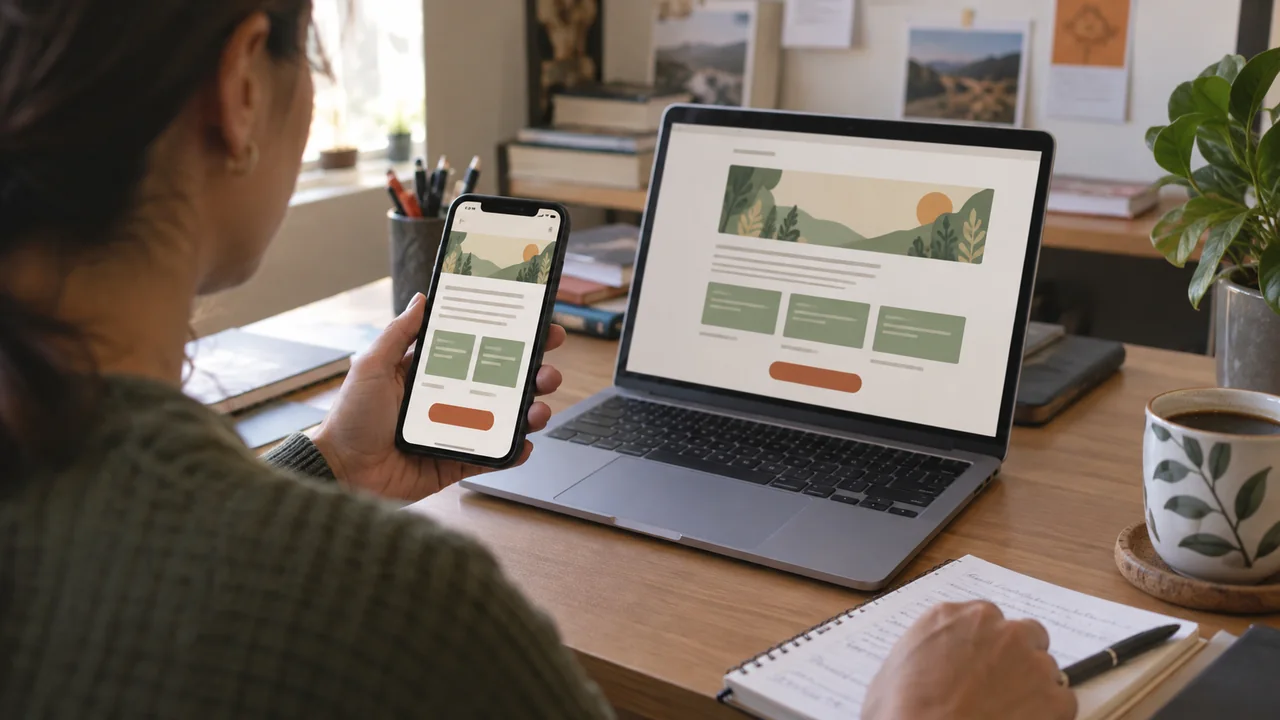
Explain the handoff from your grant page to the application form
Use a button label that describes its destination: “Start the grant application” is clearer than “Learn more” when it opens the application.
If an outside organization runs the portal, identify it so the transition makes sense.
The form deserves its own review. The U.S. Web Design System's form guidance recommends simple vertical layouts, clear required and optional fields, and error messages aligned with the relevant input. It also advises contextual help so people can correct mistakes.
Use those recommendations as a review checklist with your website or portal team.
Provide an accessible way to request application help, with contact information the program team maintains.
Explain what happens after a business grant application is submitted
An application confirmation should mean something specific.
Tell people how they will know the submission arrived, what review happens next, and where to ask about it. Share a decision timetable only when the program administrator has confirmed one.
Distinguish an application receipt from an eligibility determination or award.
If the team may request more information, explain how applicants will receive that request. Avoid collecting sensitive application documents through a general marketing contact form; direct applicants to the program's approved process.
The landing page and confirmation message should describe the same next steps.
Test your grant landing page with a realistic applicant task
Before promotion begins, ask someone unfamiliar with the program to use a test copy of the page.
Give them a scenario, such as a tenant considering an improvement, and ask them to show where they would check eligibility, understand payment, find the preparation list, and request help.
Watch where they hesitate. Record the missing answer or confusing phrase, then review it with the program team.
Use test data and a test environment when checking the form. Do not submit invented applicants into a live grant process.
Finally, check the page on a phone, follow every application and guidance link, and confirm that the current round is unmistakable.
A useful grant page does not need to be elaborate. It needs to respect the decisions an owner is trying to make.
If your team needs help turning program guidance into an approachable page and campaign, talk with Hallpass about your website and communications.